
Home / Software
PowerPass
Connect what you already use—then get out of the way.
Wire in your SIS, your bells, and the policies only your school knows. Setup is the work. After that, operations get quiet.
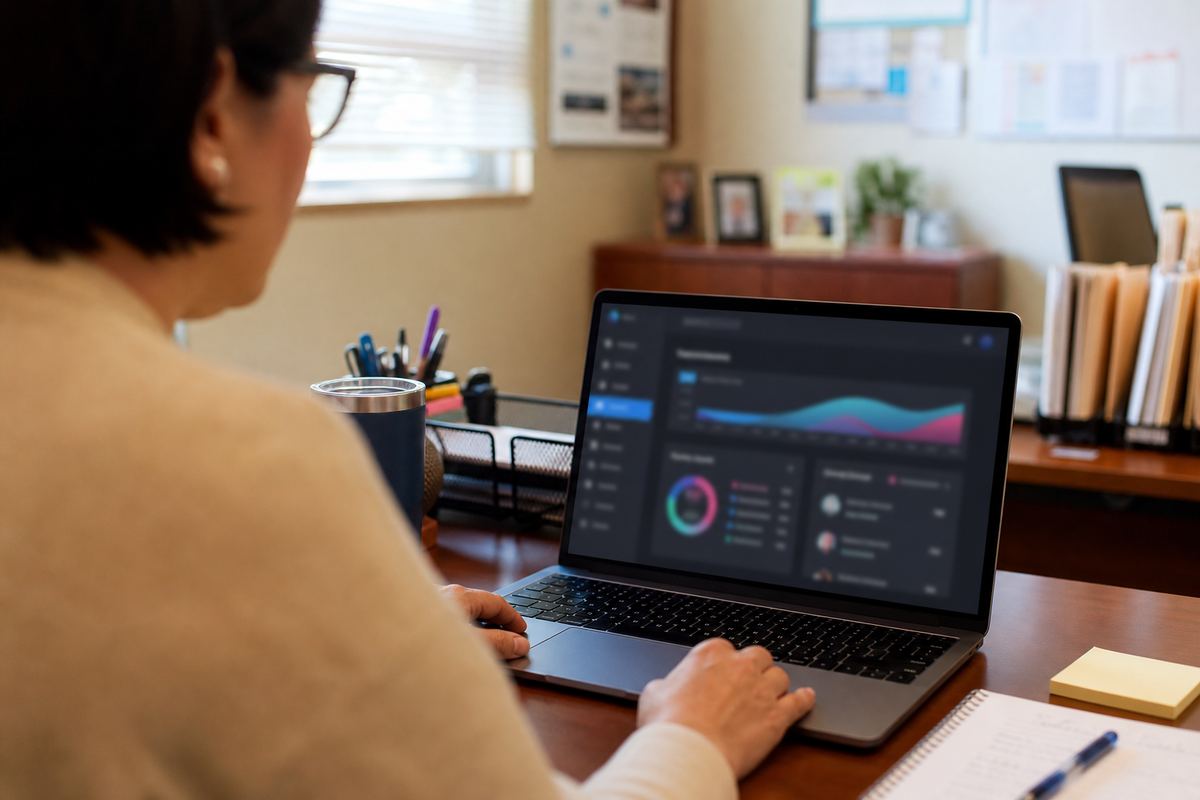
The point of setup
Do the configuration once. Stop redoing it every period.
Schedules change. Exceptions pile up. Rules differ by building. PowerPass is built for that messiness—so the first week of setup buys you a year of calmer mornings.
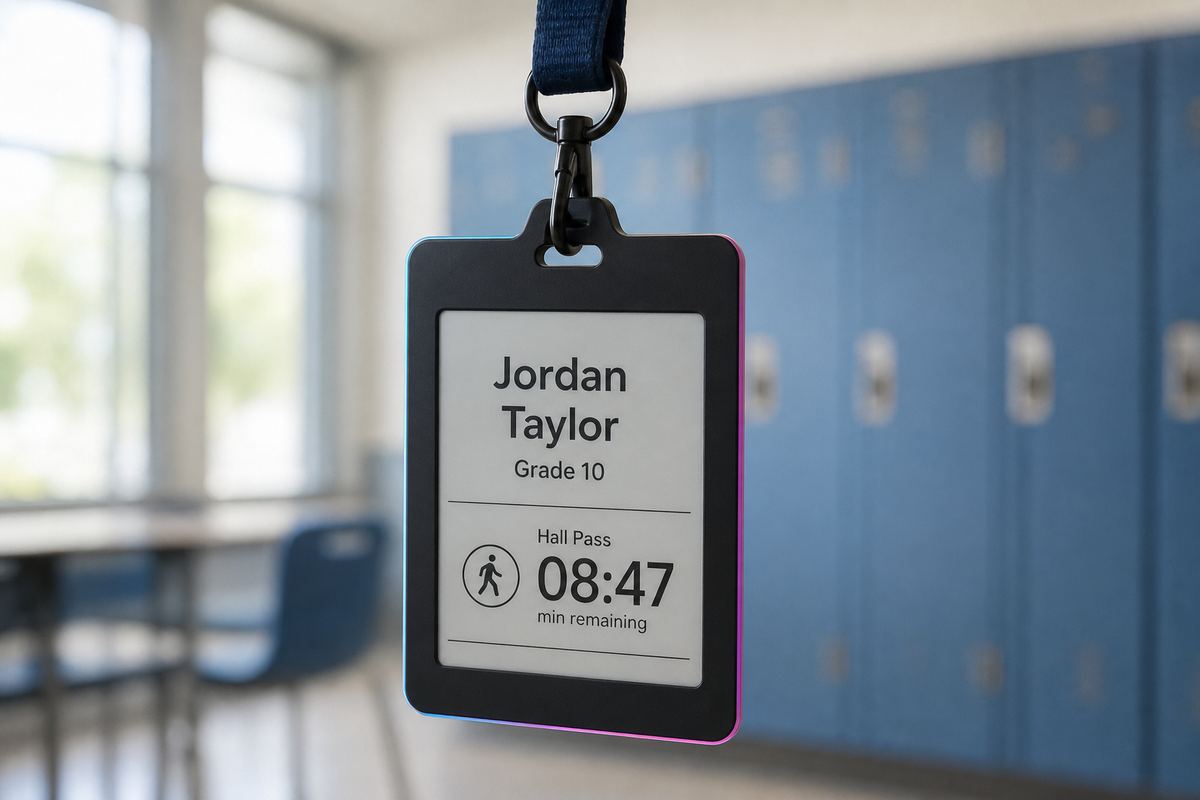
The software layer
SIS, schedules, and policies that fit your handbook.
SIS integration
Pull rosters and schedules from your student information system (including OneRoster). Day-to-day attendance runs in PowerPass; the SIS stays the permanent record.
Bell schedules & exceptions
Add your periods—and the quirky days like delays, half days, and early releases—so present, tardy, and absent match how your building actually moves.
Rules & roles, your way
Turn on template policies, assign what each badge can do, and give teachers, office staff, and admins the views they need. Customize once instead of fighting defaults forever.
After setup
Then day-to-day is a breeze.
Attendance marks itself. Passes follow your rules. Roll call is a click. You’re not babysitting another fragile stack every morning— you’re running a platform that already knows the building.

Related
Keep going.
Map software setup to your SIS.
We’ll show roster sync, bell exceptions, and rules tuned to your building.
Request a demo