
Solutions / Visitors
PowerPass
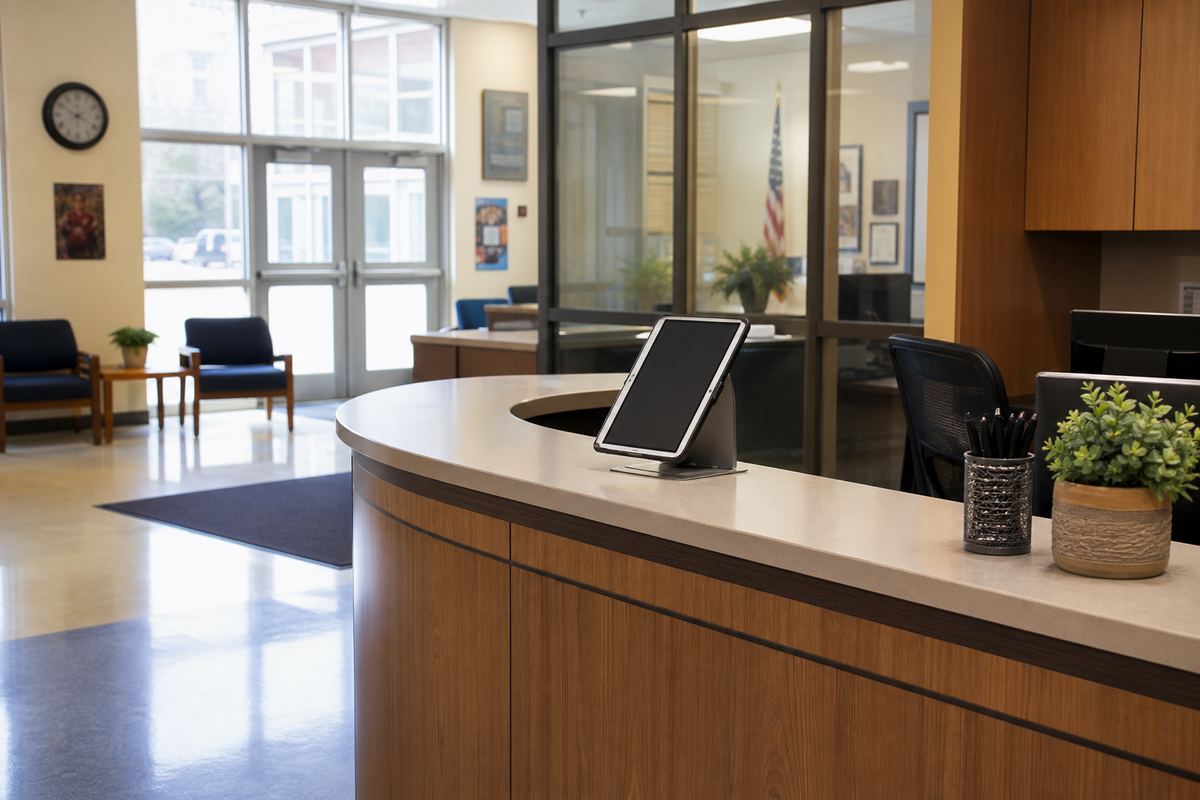
Guests check in. The building keeps the boundary.
Parents, vendors, and contractors wear the same kind of badge as everyone else—with areas, time limits, and clear expired states— so the front office isn’t hoping people stay put.
The friction
A sticker and a clipboard aren’t a visitor strategy.
Someone signs in. Someone wanders. Time expires quietly. The office finds out late—or not at all—while student safety and instructional calm both take the hit.
What changes
Check-in becomes a controlled presence—not a paper trail.
Self check-in that still needs the office
Name, photo, ID scan, and screening while they wait. Staff approve where they can go and how long they stay—then a badge fills in automatically.
Off-limits is obvious
Enter a restricted zone and the badge can flip to unauthorized / return to office while the front desk and nearest staff get the alert.
Expired visits announce themselves
When time’s up, the screen says so in language anyone passing by can read. No hunting for a guest who “just had to finish something.”
Same platform
Visitors stop being a second stack beside student life.
The same rules and safety workflows that protect the student day can watch guest badges too—so you’re not buying another vendor just to know who walked past the front desk.

Goes further with
Guest presence connects to campus response.
Make every guest accountable without more chaos.
See check-in, screening, and badge limits in a front-office walkthrough.
Request a demo