
Solutions / Attendance
PowerPass
Attendance just happens.
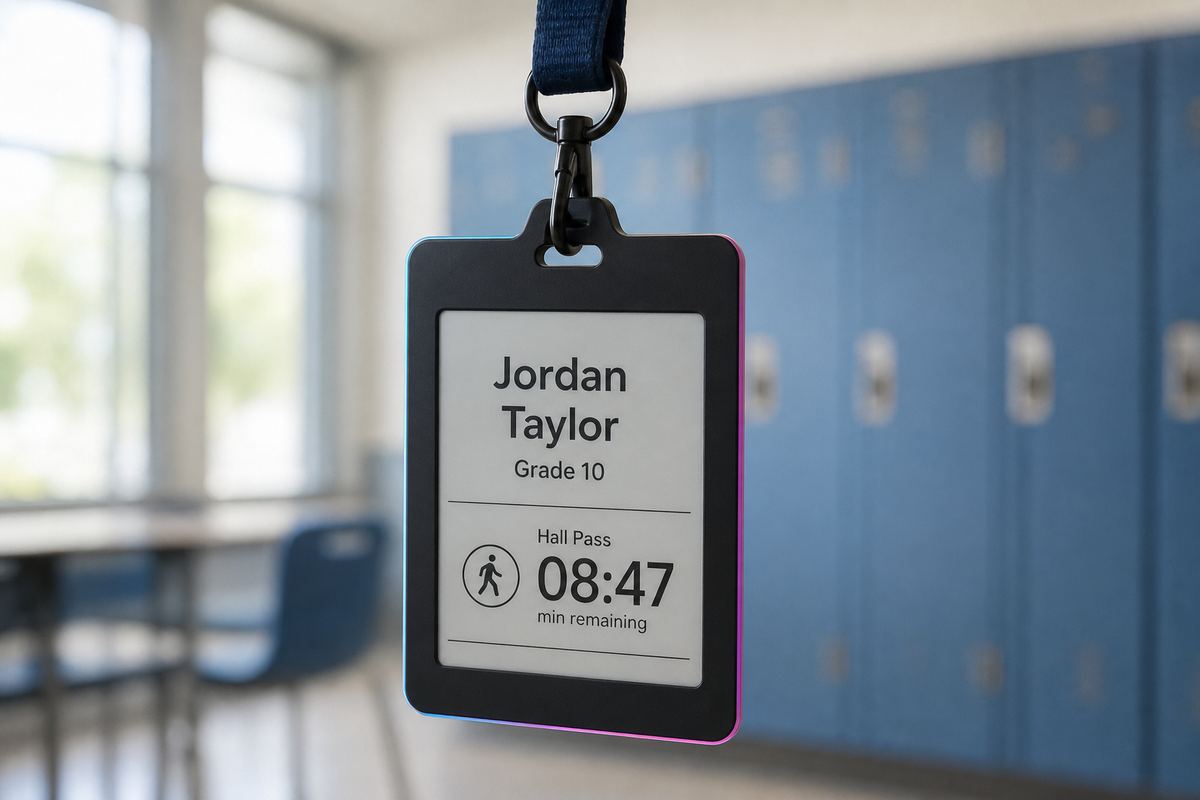
Students walk into the room wearing their badge. They’re marked present, tardy, or absent against the schedule—without calling names or interrupting the start of class.

The friction
Every period begins with the same unpaid tax on teaching.
Roll call. Late slips. “Who’s missing?” Manual lists that never quite match reality—especially on early release, work-study, or building-switch days.
~36 hrs
Teaching time lost per teacher / year
Two minutes of roll call, six periods a day, 180 school days—that’s more than a week of instruction spent calling names instead of teaching.
Missed $
Manual attendance undercounts the day
Present kids go unmarked, late slips get lost, and substitute periods get soft estimates. Inaccurate ADA means funding that should stay with the school walks out the door.
0 mins
Roll call for subs on PowerPass
Badges mark who walked in—whether it’s the regular teacher or a substitute holding the roster for the first time. No learning the class list before the lesson can start.
What changes
The record builds itself. Teachers stay with the lesson.
Walk-in replaces call-out
Badges detect arrival against the bell schedule. On time is present. A few minutes late is tardy. Never arrives, absent—editable when life (or a broken bus) gets in the way.
Your schedule quirks still fit
Half days, delays, early job releases, study halls that leave campus, students who switch buildings. PowerPass is built for real school exception handling—not a rigid timetable fantasy.
SIS stays the permanent record
Day-to-day attendance lives in PowerPass. The student information system gets the sync it needs—without teachers living in two tools to keep the day moving.
Teacher control
Automate the busywork. Keep the override.
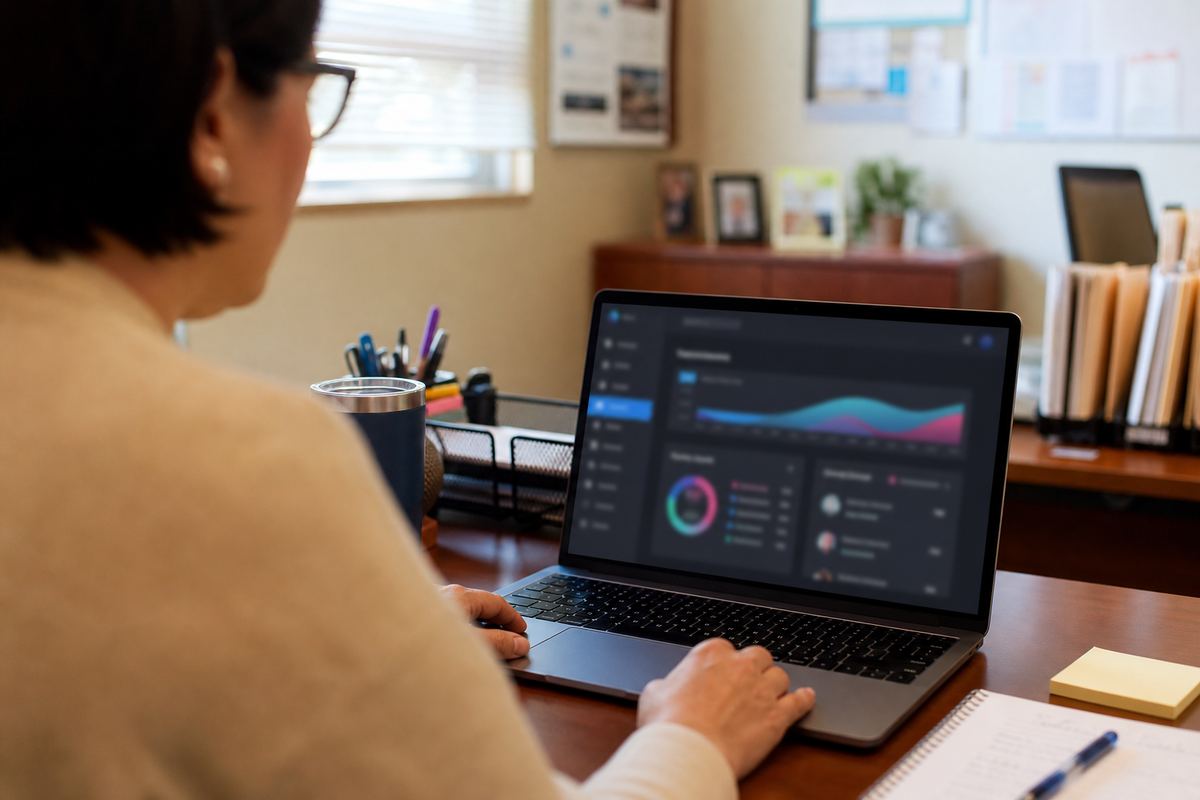
Trust the automated list, or review and approve each period. Either way, the starting point isn’t a blank clipboard—and late students can even show where they still are.
Goes further with
Attendance is smarter when your policies ride along.
Start class with teaching.
See automated attendance against your schedule, SIS, and exception days.
Request a demo